
As a boy in my childhood, playing with Lego was of the greatest fun to me. I gained great sense of achievement when the blocks eventually became a concrete “something.” In the robot club in primary school, I designed and then assembled robots of various different functions with pre-loaded components. These acted as enlightenment as I got to have the vague concept of modeling.
Nevertheless, the experience of using Fusion 360 in this course was the very first time I actually built a 3D model from nothing in the beginning. It was overall a exciting experience but I found it a bit struggling when I really get started at the operations.
At first, I intended to create a badminton racket of my own.

Everything went smoothly — I created the frame on scale, attached the rod to it, and then attached the handle to the rod(a useful technique to share here is that you can leave the sketch of a single part hard to imagine how to build alone, move to editing other parts’ sketch, and then come back to it, which will give you a better sense of combining them as a whole) — until it came to the strings. Since the requirement was just a rough appearance of the object, I decided to just use some thin cylinders to represent my strings. That was a huge work creating all those cylinders from the sketch, and here came the most disappointing part of my modeling: from one and another view, the racket frame and the strings were attached to each other perfectly, while from all other views and in reality, they were ALL SCATTERED RANDOMLY in the 3D space!!!!
It was embarrassing when I found that I could not move a created component in the 3D space to get it in the right position. Therefore, having tried to solve such problem but had no progress, I finally gave up the idea of creating a badminton racket and turned the frame into a pan as showed below.

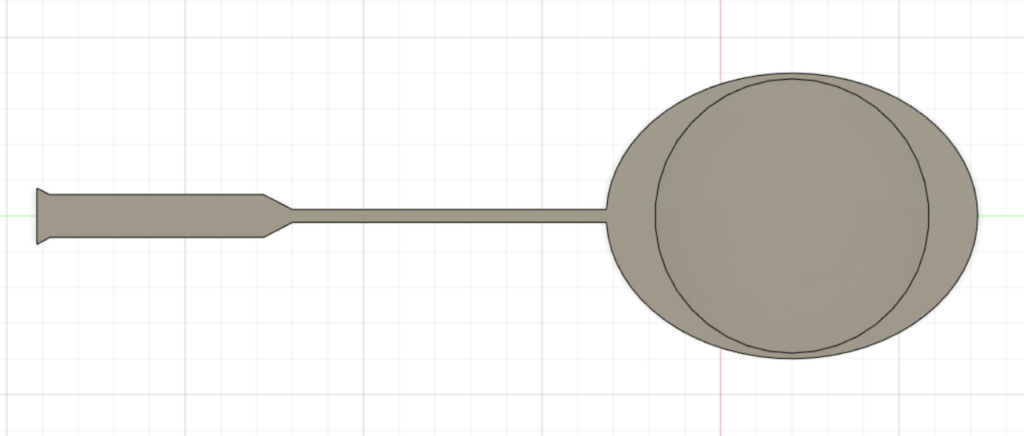
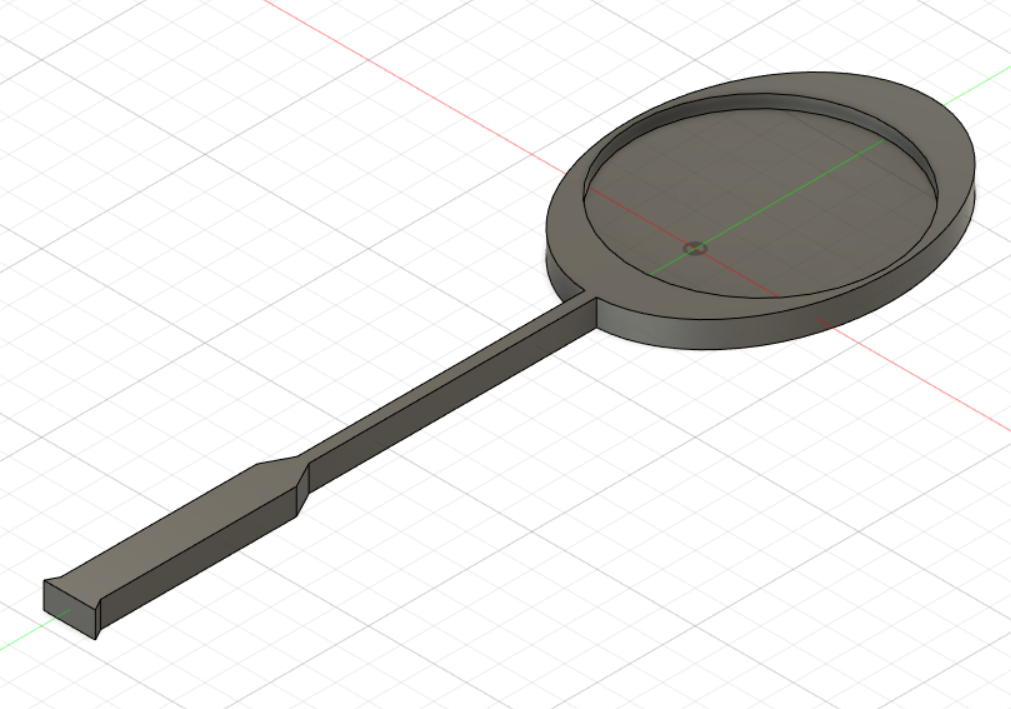
After all, it was just my first trial of 3D modeling with Fusion 360. Though the product did not meet my initial intention, the whole process of creating it was still fun.
This is really impressive, I can’t believe this is your first time 3D modeling with Fusion. How long did it take you to get acclimated with the software? It was also my first time and I found it really hard to understand. Did you use any outside resources, or were you able to just figure it out by yourself?
I’m impressed with how cleanly you were able to deviate from your original plan, the pan looks like it was done intentionally! I also like how you’re able to build a reason for why you created your model with the childhood story; it adds character to your post. I wish I knew how you could have made the strings work, but I imagine that with more practice in Fusion 360, you’ll be able to figure that out in no time.
As someone else who created an object from sports, it’s nice to see someone else try the same thing, although far more complicated than I did. Trying to make the mesh is really ambitious, and I wonder if there is a tool on the website that would have made it easier than just making lots of tiny cylinders, or even creating lots of rectangles to “cut out” the strings. Overall though, the structure of the racket-turned pan looks fantastic, and I hope you can make this project all you wanted it to be further into the term!