
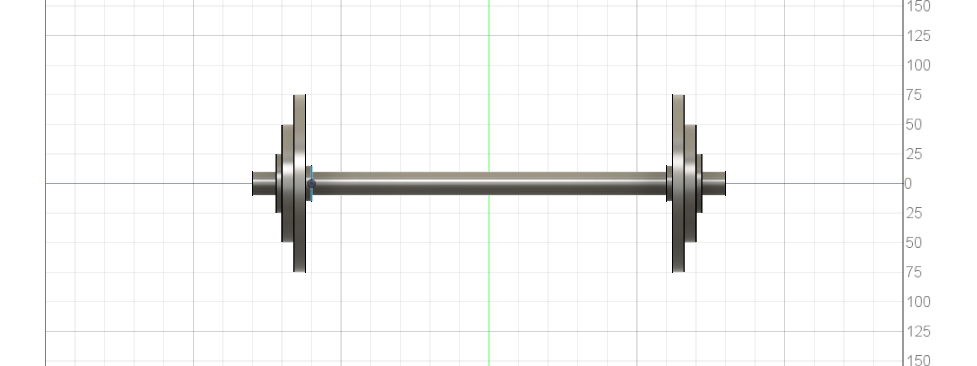
I found this lab to be rather easy because I have used another 3D modeling software I used a few years ago which is similar to Fusion 360. One element that I did encounter a problem with is getting the plate in the middle of the barbell and not just on the edge. I solved this problem by using a feature which allows you to offset a plane however much you need from a surface and then being able to sketch on that plane solved this problem I had. I can envision this tool being very helpful for students who aspire to work in some kind of design or engineering field as there’s a lot you can do with 3D modeling. One feature that I found very helpful while I was making this is that there is a mirror feature that duplicates your object over a plane. I made half of my barbell and found this feature which saved a lot of time and I did not have to redo the exact shape. I believe there is also a similar feature for sketches.
Hey Doug, this is an awesome 3D model of a barbell! The way you used the mirror feature is really impressive and really helps the barbell look as realistic as possible. A tip I have for you might be to try and change textures using the modify option so that your barbell can take another step.
Hi Doug, this is really impressive! It looks just like a real barbell with the different size plates. I also used the mirror feature in my model. I used the one for sketches that you mentioned at the end. I completely agree that it is super helpful for saving time and making things symmetrical. Since you have some previous experience with another 3D modeling software, I wonder if you could have made the barbell have some fun other features using different shapes. Sure, it would be less realistic, but it would be fun to see!