
This was my first time attempting to digitally model something in Fusion360, and I think it went fairly well. Of course, it was not without its hiccups. Coming from Blender, it took me some time (and some video tutorials) to get the hang of Fusion360.
I was originally planning on modeling a twenty-sided die used in tabletop roleplaying games. I’ve been playing Dungeons and Dragons for a very long time, and I liked how it was thematic with the other die that we modeled in class. I thought it would be fairly easy because creating and manipulating basic polygons is very easy in Blender, but that is not the case in Fusion 360. Looking back, I think I understand why Fusion360 doesn’t give you quite as much freedom to play with objects as Blender does. Blender is meant more for 3d art rather than creating designs for real objects. Blender lets you manipulate objects in ways that would be impossible in real life, like dragging a vertex of an object through itself or deleting a single face off an object. Fusion360, on the other hand, doesn’t let you do that, and creating abstract shapes is more difficult. Along with that, adding the numbers to each individual face of the d20 would be a hassle, so I decided to scrap that idea and try something simpler. I tried making an eight-sided die as well, but that had all the same problems as the d20, just with fewer sides.
After thinking long and hard about it, I eventually landed on a cartoon treasure chest because it was simple and I thought it would be fun, which it was! The base is a rectangular prism with some protrusions on the top edge, and the lid is a cylinder that I rotated and cut in half. I also played around a bit and discovered how to add textures to surfaces, which really made the model come together in my opinion.
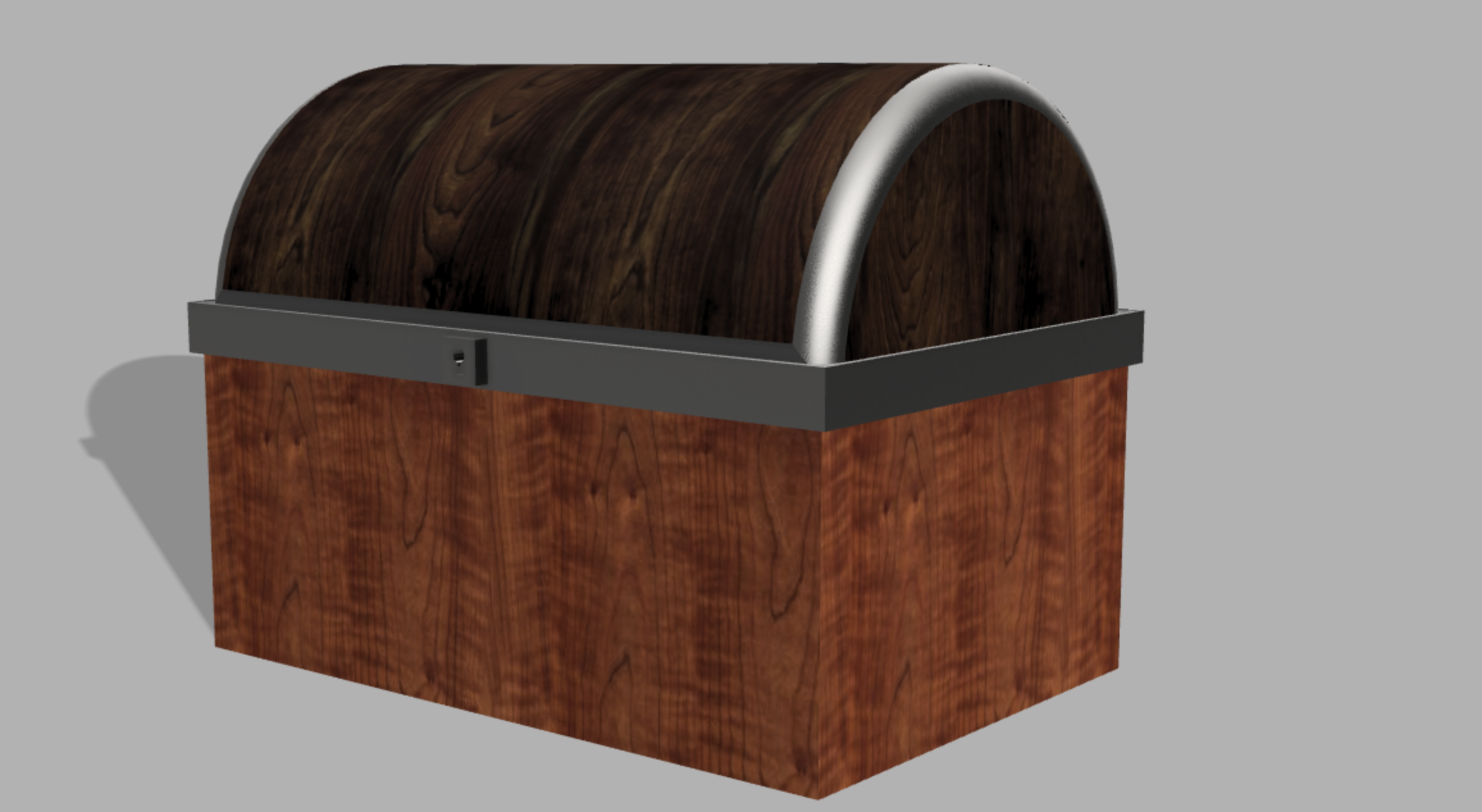
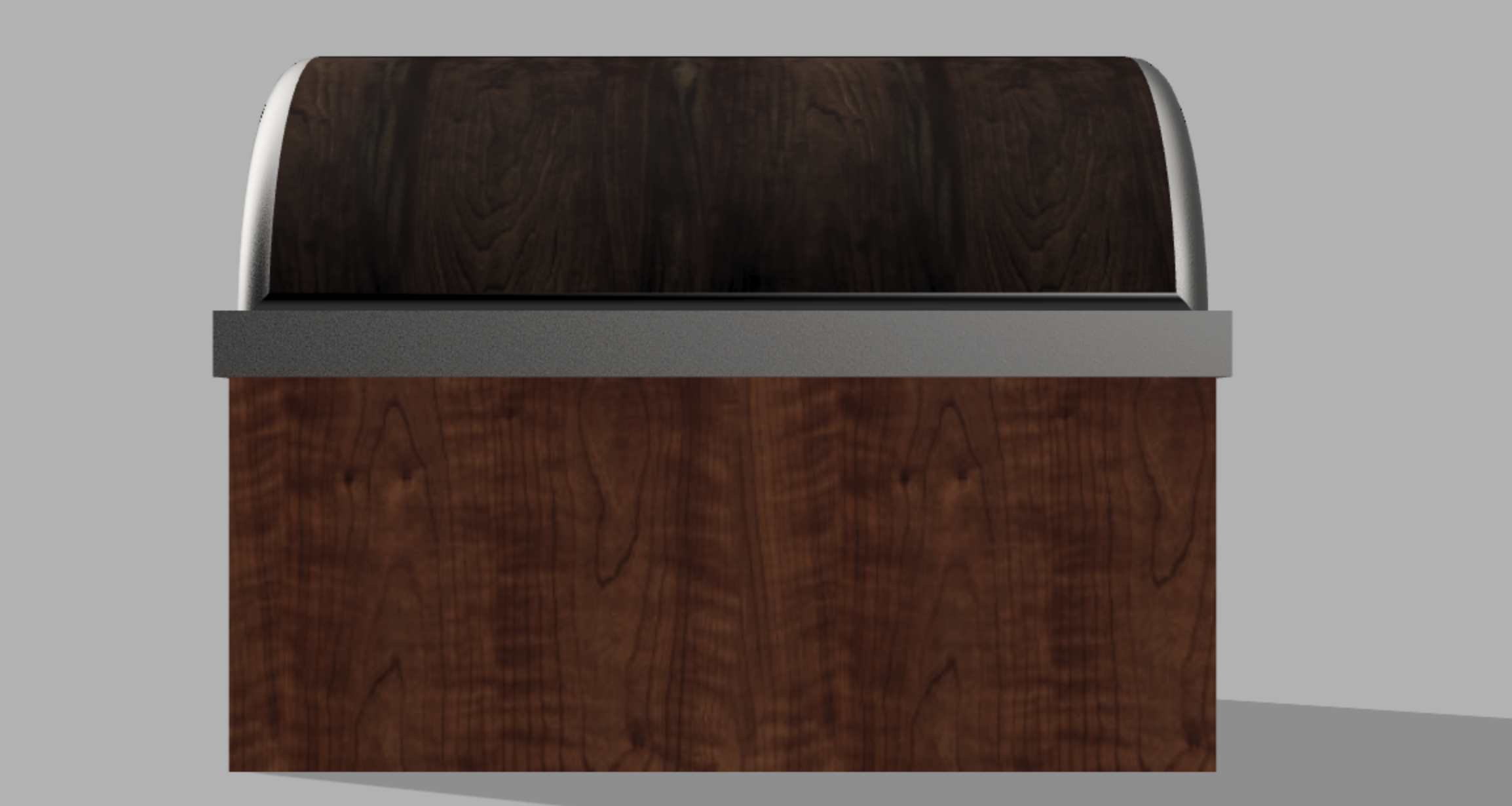
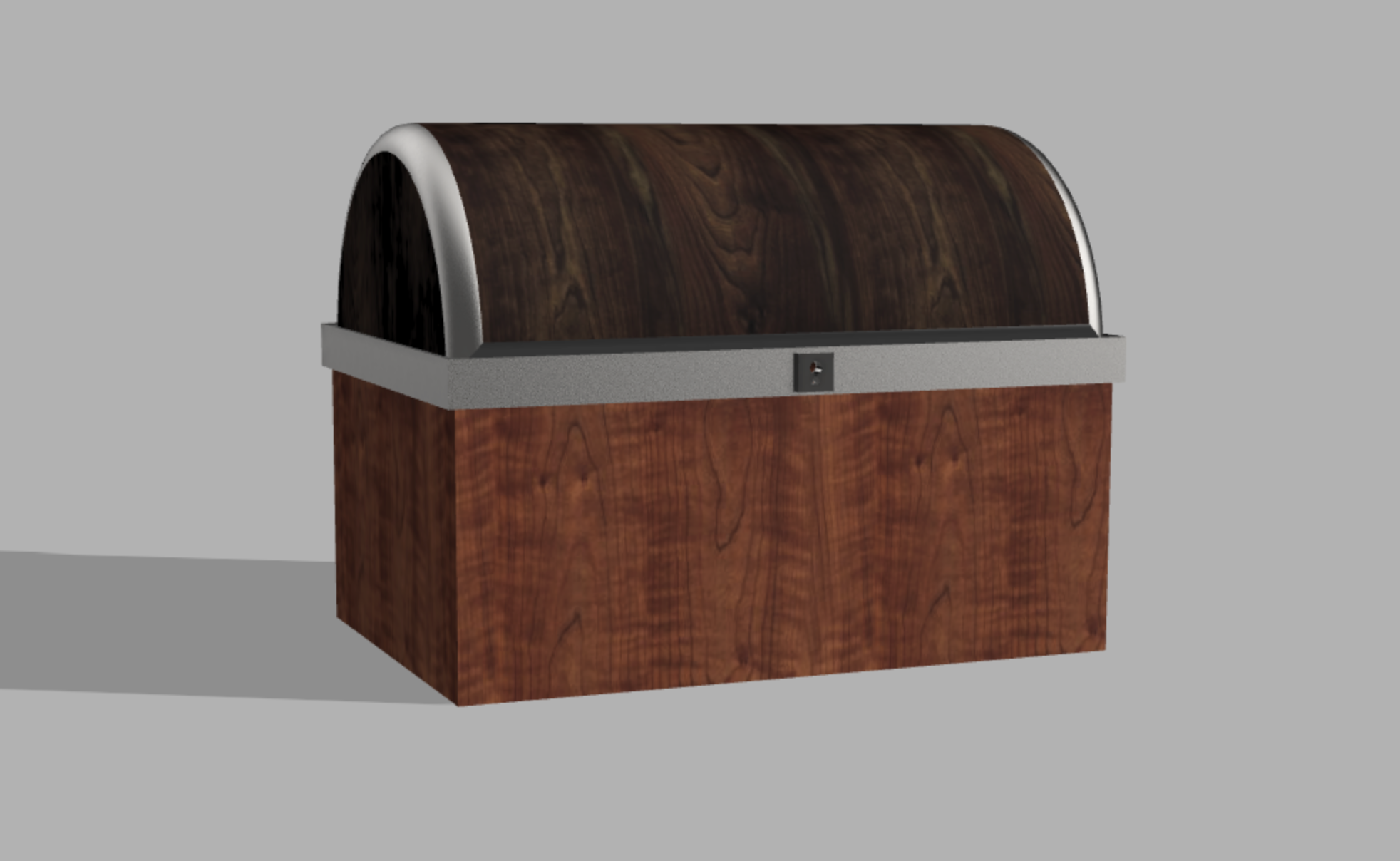

While this lab was short, I had fun with it, and it made me excited for all the possibilities with these tools. The only proverbial thorn I found was some of the limitations with making and editing object, but I definitely understand why those limitations are there.
I’m curious how you made the half-cylinder shape of the lid…
I also like the implementation of the wood patterns
I’ve never actually seen a twenty-sided die until now when I looked it up because I was curious as to what you were originally going to design. Making the die does seem challenging based on the google picture so I understand why you opted for a treasure chest instead. However, you did include a variety of textures that made the chest look realistic which is awesome. I like that you even included the lock. Very nice design!
I think this is really well done as a final product – it looks realistic and well proportioned and yes, adding the materials and colors really makes it pop. I’ve never used blender before, but I think it’s really cool that you have that experience and were able to make such a thoughtful analysis about the differences between blender and fusion. I’ve never used blender before, but I’m drawn to the idea of of “abstract modeling” as art like you described. Maybe if we’re given the chance to do something like this assignment again, trying to figure out how to create that 20-sided die would be a great challenge. I have no idea if it’s even possible because of the analysis you gave, but maybe Fusion has a few tricks up its sleeve that we haven’t discovered yet.